



|
|
|
| |
|
|
||||
 |
| |
| FIB > Computing laboratory > Computers > PC's |
Català | Castellano | |
|
|
|
|
|
PC'sLast modified: 13-06-2002
Description of the PCsThe PCs in the computer rooms at the LCFIB are based on a remote booting system which enables them to boot up with various configurations and working environments. Currently, the following configurations are available, depending on the computer room:
These PCs require users to log in when booting up, so only users authorised by the Barcelona School of Informatics have access (students, teachers and administration and service staff). The PCs are configured via a remote boot server that allows the same working conditions to be maintained. Once the computer has booted up and the desired operating system has been loaded, the user can use both software that is installed locally and on the network. Users can then save their work on a personal account on the file server. How to start workingThe process to begin working on a PC is as follows:
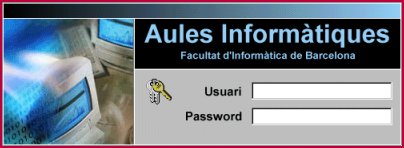 If the user is authorised (see Which rooms can be used?) a boot menu appears from which you can choose a work environment. 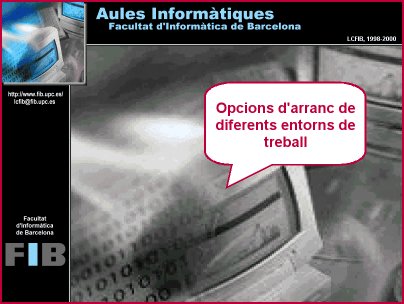
|  |
|
||||||||||
 |
| |
 |
Copyright © Facultat d'Informàtica de Barcelona - webmaster fib.upc.edu fib.upc.edu |
